

Choosing the best computers can feel overwhelming with so many options. Whether you need a machine for work, gaming, or everyday use, this guide breaks down the top picks to fit your budget and needs. You’ll learn what makes a computer stand out, how to compare models, and tips to ensure your investment lasts.
Quick Answer: The best computers combine performance, durability, and value. For most users, a mid-range laptop like the Dell XPS 13 (starting at $999) offers a great balance. Gamers might prefer the ASUS ROG Strix G15 ($1,299), while professionals could opt for the Apple MacBook Pro ($1,299+). Always check specs like RAM, storage, and processor to match your needs [1][2].
The 5 Best Computers for Every Need
From budget-friendly options to high-end machines, these computers cater to different users. Here’s a breakdown of the top picks based on performance, price, and purpose.
When choosing a computer, consider how you’ll use it most. For example, the Apple MacBook Pro is ideal for tasks like video editing or graphic design thanks to its M1 or M2 chip, which handles heavy workloads efficiently. The Dell XPS 13, on the other hand, is perfect for students or writers who need a lightweight machine with long battery life. Gamers should prioritize the ASUS ROG Strix G15 for its high-refresh-rate display and advanced cooling system, while the Acer Aspire 5 is a solid choice for basic tasks like web browsing or word processing without breaking the bank.
Another factor to consider is the operating system. macOS is known for its seamless integration with other Apple devices, while Windows offers more flexibility and compatibility with a wider range of software. If you’re a touchscreen enthusiast, the Microsoft Surface Laptop 4 stands out with its intuitive interface and stylus support, making it great for note-taking or drawing.
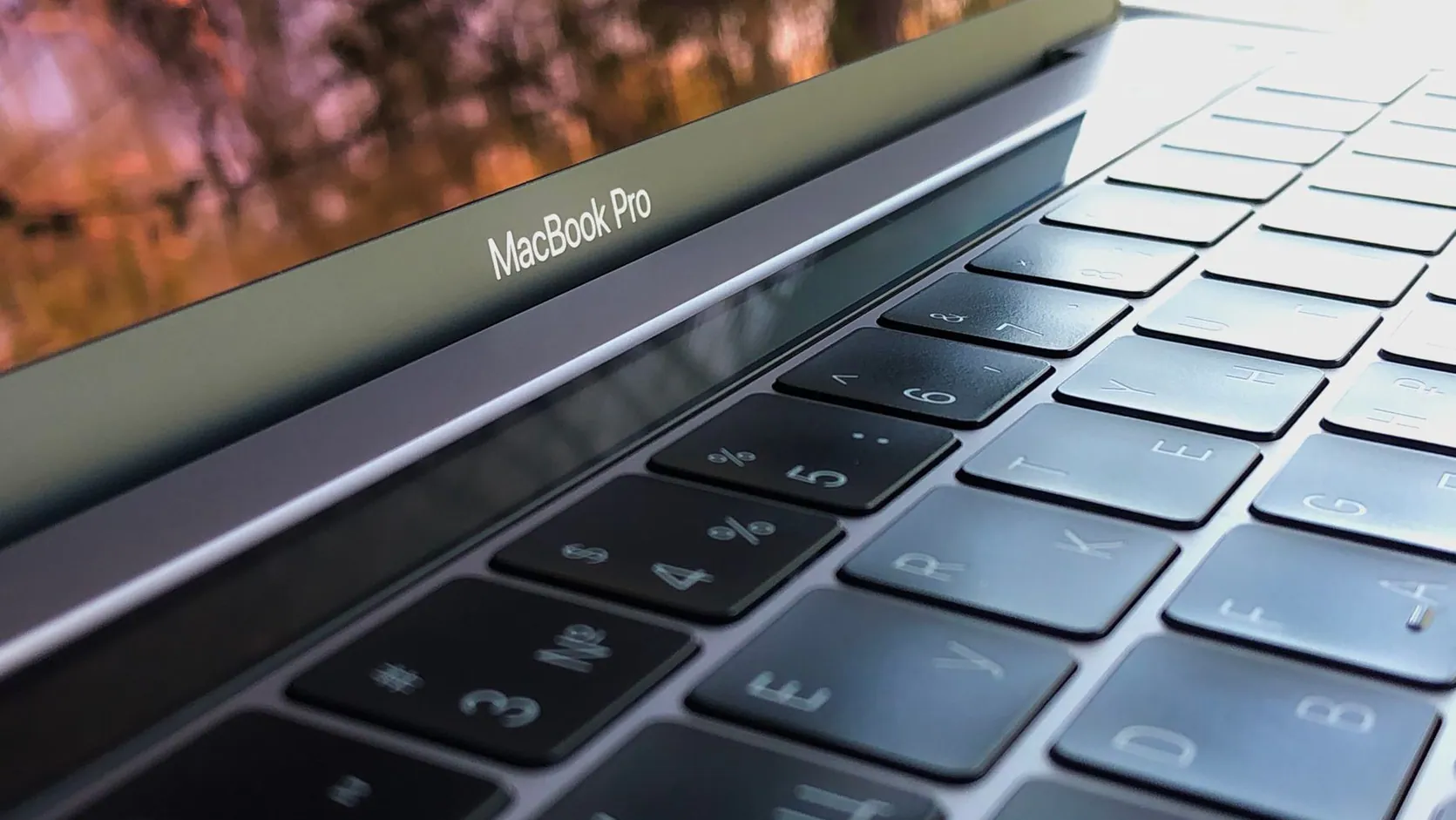
1. Apple MacBook Pro
The Apple MacBook Pro is a powerhouse for creative professionals. It features a high-resolution Retina display, M1 or M2 chip, and up to 16GB of RAM. Prices start at $1,299, with higher configurations costing more.
The trade-off? It runs macOS, which might take time to adjust to if you’re used to Windows.
Best for: Designers, video editors, and macOS users.
2. Dell XPS 13
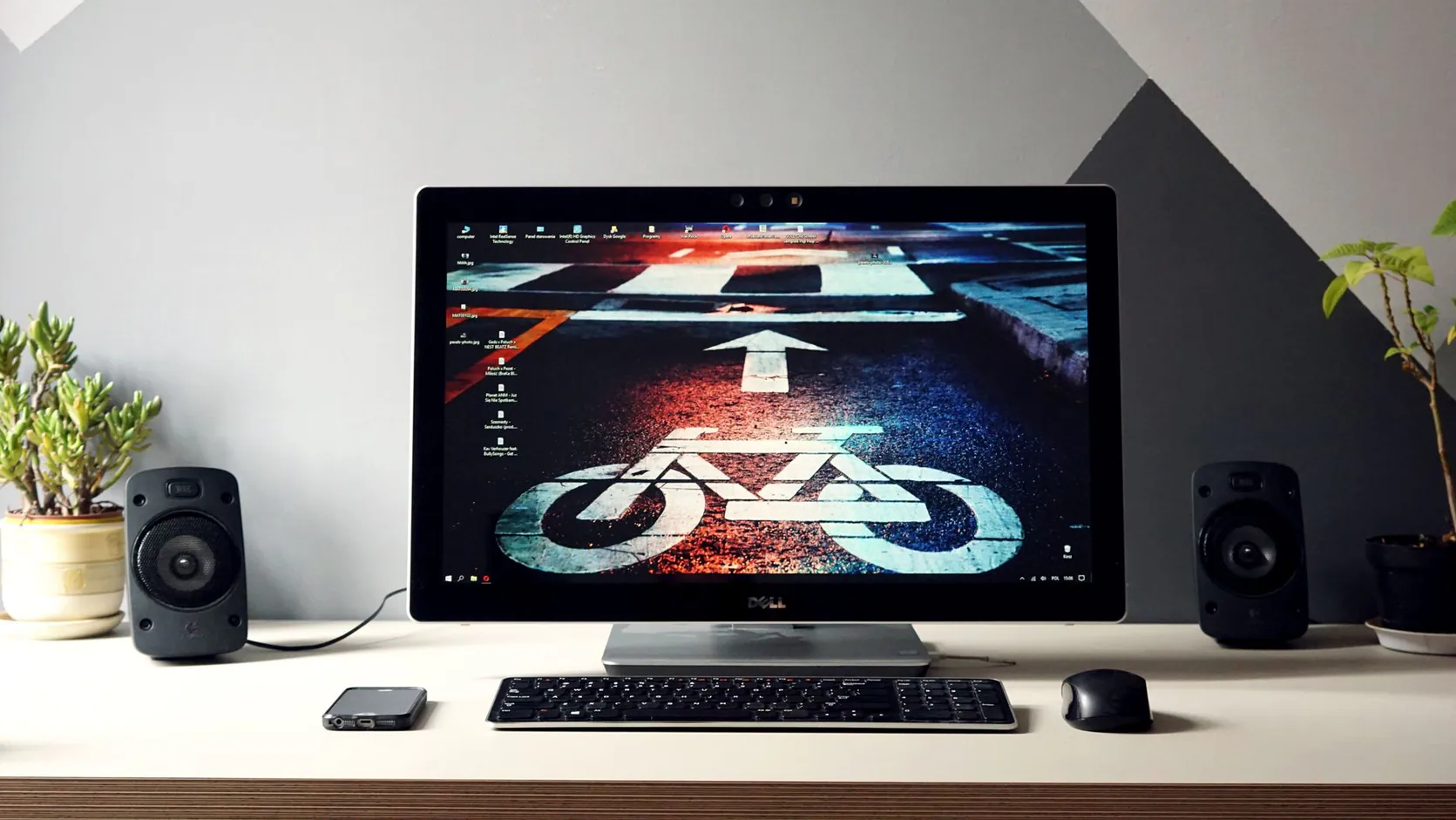
The Dell XPS 13 is a lightweight Windows laptop with a 13-inch screen, 11th Gen Intel Core processor, and up to 16GB RAM. Starting at $999, it’s ideal for students and professionals on the go.
Its compact size means limited upgrade options, but it’s perfect for everyday tasks.
Best for: Students, writers, and frequent travelers.
3. ASUS ROG Strix G15
The ASUS ROG Strix G15 is a gaming beast with an AMD Ryzen 9 processor, NVIDIA RTX 3070 graphics, and 16GB RAM. Priced around $1,299, it handles the latest games with ease.
It’s heavier and bulkier than other laptops, but that’s expected for gaming performance.
Best for: Gamers and graphics-intensive tasks.

4. Microsoft Surface Laptop 4
The Microsoft Surface Laptop 4 offers a sleek design, 11th Gen Intel Core processor, and up to 16GB RAM. Starting at $999, it’s great for productivity and multimedia.
Its limited ports might require adapters, but its touchscreen is a plus.
Best for: Professionals and touchscreen enthusiasts.

5. Acer Aspire 5
The Acer Aspire 5 is a budget-friendly option with an Intel Core i5 processor, 8GB RAM, and 256GB SSD. Priced around $549, it’s perfect for basic tasks like browsing and word processing.
Don’t expect high-end performance, but it’s a great value for the price.
Best for: Budget-conscious users and light tasks.
Best Computers at a Glance
Here’s a quick comparison of the top picks to help you decide.
When comparing these models, think about your long-term needs. For instance, the Dell XPS 13 and Microsoft Surface Laptop 4 both start at $999, but the Dell offers slightly better battery life, while the Surface includes a touchscreen. The Acer Aspire 5 is the most affordable at $549, but its lower RAM and storage might limit its lifespan. If you’re a gamer, the ASUS ROG Strix G15 is worth the $1,299 price tag for its dedicated graphics card and high-performance processor. The Apple MacBook Pro is an investment at $1,299+, but its build quality and ecosystem make it a top choice for professionals.
Consider the display quality too. The MacBook Pro’s Retina display offers stunning clarity, while the ASUS ROG Strix G15’s 144Hz refresh rate ensures smooth gaming. For portability, the Dell XPS 13’s 13-inch screen strikes a balance between size and weight, making it easy to carry around.
| Model | Price | RAM | Best Use |
|---|---|---|---|
| Apple MacBook Pro | $1,299+ | Up to 16GB | Creative Work |
| Dell XPS 13 | $999+ | Up to 16GB | Everyday Use |
| ASUS ROG Strix G15 | $1,299+ | 16GB | Gaming |
| Microsoft Surface Laptop 4 | $999+ | Up to 16GB | Productivity |
| Acer Aspire 5 | $549+ | 8GB | Budget Tasks |
*Prices and specs are based on 2023 models and may vary by retailer [3].
The Dell XPS 13 stands out as the best overall pick for its balance of performance and affordability, while the MacBook Pro excels for creative tasks.
More Best Computers Tips
When evaluating specs, don’t just focus on the processor. Storage type matters too. SSDs (Solid State Drives) are faster and more reliable than traditional HDDs, so opt for at least a 256GB SSD for quicker boot times and smoother performance. If you work with large files, consider models with 512GB or 1TB SSDs.
Another common mistake is overlooking connectivity options. Check the number and type of ports available. For example, the Microsoft Surface Laptop 4 has limited ports, so you might need adapters for external devices. USB-C ports are becoming more common and offer faster data transfer speeds, so they’re worth having, especially for newer peripherals.
- Look for models with at least 2 USB ports and an HDMI port for versatility.
- Consider Wi-Fi 6 compatibility for faster and more stable internet connections.
- If you use external monitors, ensure the computer supports dual-display output.
Finally, think about ergonomics. A backlit keyboard can be a game-changer for working in low-light conditions, while a lightweight design reduces strain during travel. Some models, like the Dell XPS 13, also offer premium materials like aluminum for added durability.
Check Compatibility
Ensure the computer’s operating system works with your software needs.
Upgrade Options
Look for models with expandable RAM or storage to extend their lifespan.
Warranty Matters
Opt for a computer with at least a 1-year warranty for peace of mind.
Read Reviews
Check user feedback to spot common issues before buying. For more insights, explore Computers Reviews: 5 Affordable Options That Still Last.
Pro Tip: Avoid overspending on specs you don’t need. For example, 8GB RAM is enough for most users, while gamers and professionals may require 16GB or more.
How to Extend Your Computer’s Lifespan
Investing in a good computer is just the first step. To ensure it lasts for years, follow these maintenance tips. First, keep your software updated. Regular updates not only add new features but also patch security vulnerabilities. Second, manage your storage wisely. Delete unused files and consider cloud storage to free up space. Third, invest in a good antivirus program to protect against malware. Lastly, clean your computer regularly. Dust buildup can cause overheating, so use compressed air to clean vents and fans. For laptops, avoid using them on soft surfaces like beds or couches, as this can block airflow.
For gamers and professionals, monitor your computer’s temperature. High-performance tasks can cause overheating, so consider using cooling pads or external fans. Additionally, calibrate your display periodically to maintain color accuracy, especially if you work with graphics or video. By taking these steps, you can maximize your computer’s performance and longevity.
Conclusion
Finding the best computers doesn’t have to be complicated. By focusing on your needs, budget, and key specs, you can make a smart choice. Whether it’s the versatile Dell XPS 13 or the powerful MacBook Pro, the right computer can transform your productivity and enjoyment.
Ready to upgrade? Explore more options and expert advice at ipgoservices.com.
Frequently Asked Questions
What’s the best computer for gaming?
The ASUS ROG Strix G15 offers top-tier performance for gamers with its powerful GPU and processor [1].
Are Macs better than PCs?
Macs excel in design and ecosystem integration, while PCs offer more customization and compatibility [2].
How much RAM do I need?
8GB is sufficient for basic tasks, but 16GB is ideal for multitasking and gaming [3].
Can I upgrade my computer later?
Some models, like desktops, allow RAM and storage upgrades, but laptops often have limited options.
What’s the difference between an SSD and an HDD?
SSDs are faster and more durable than HDDs, offering quicker boot times and better performance, but they’re usually more expensive.
Can I use a gaming laptop for work?
Yes, gaming laptops are powerful enough for work tasks, but they tend to be heavier and have shorter battery life compared to standard laptops.
How often should I replace my computer?
With proper care, a computer can last 5-7 years, but consider upgrading sooner if it struggles with new software or tasks.
References
[1] plato.stanford.edu. (2013). The Philosophy of Computer Science (Stanford Encyclopedia of Philosophy/Spring 2019 Edition). https://plato.stanford.edu/archives/spr2019/entries/computer-science/
[2] Nass, C., Lombard, M., Henriksen, L., & Steuer, J. (1995). Anthropocentrism and computers. Behaviour and Information Technology. https://doi.org/10.1080/01449299508914636
[3] Harder, E. L. (1959). Computers and automation. Electrical Engineering. https://doi.org/10.1109/ee.1959.6432562